OBS Package Studio IK STUDIOSMinimal software. Carefully designed.
Preparation guide
OBS Broadcast · v1.0
Read this first

How OBS delivery works

Open onboarding, pick OBS Broadcast, accept the legal terms and sign, then pay your package with the payment number in the PayPal or Revolut note. IK Studios emails the ZIP after that payment is matched.

01 Sequence

  1. Open onboarding.ikstudios.nl and start OBS Broadcast. No invitation code is required in advance.

  2. Accept legal and sign. Only the customer signs. IK Studios has signed automatically.

  3. Pay the selected package with PayPal or Revolut. Put your payment number in the transfer note so IK Studios can match it. Do not type card numbers, CVV codes, passwords or account logins into the portal.

  4. Complete the intake (broadcast environment, package, assets and deadline) so we know exactly what to build. Tell us what you play and whether IK Studios should prefill maps, game modes and games, or you will enter them in Admin after delivery.

  5. We create the file. IK Studios starts the package after payment is confirmed and the intake is complete.

  6. We email the ZIP with install instructions to the contact on the intake when the package is finished.

02 PayPal

Scan the QR in the portal or below to pay Ion Kokkinas. Put your payment number in the PayPal note.

PayPal QR code to pay Ion Kokkinas

03 Revolut

Send payment to Ion on Revolut using the virtual card below. Card number: 5354 5637 9213 7083. Put your payment number in the transfer note.
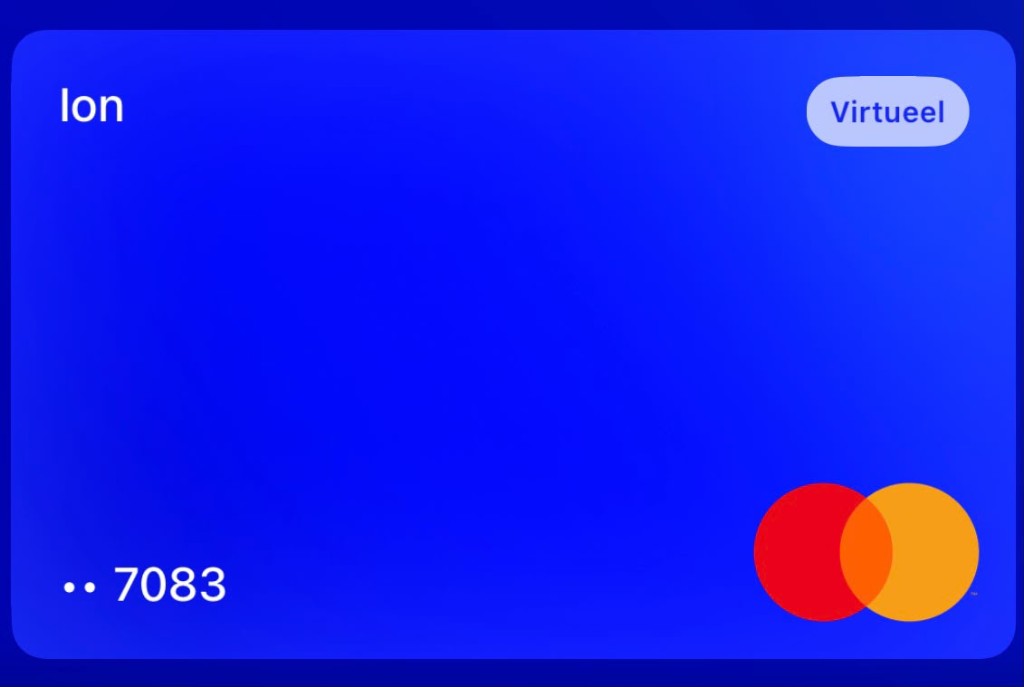
Revolut virtual card for Ion, ending 7083

OBS Package StudioIK STUDIOSMinimal software. Carefully designed.
Preparation guide
What happens next

04 Packages and cost

Prices are in EUR, excluding VAT. Complete includes every standard add-on. White-label attribution removal is €250 and is never included automatically. Bespoke work starts at 5,000 under a written scope.

PackageWhat’s includedCost
EssentialsMain Gameplay, Facecam Frame, Monitor Camera, Scoreboard, Intro, Stinger / Transition, Outro€250
BroadcastEverything in Essentials, plus Match Starting, Intermission and Be Right Back€500
CompleteEvery overlay and every standard module€750
Add-onsIM2/IM3, Round 11, Replay, Now Playing, Twitch, CMG, automation — each layer€50
Remote install & setupWe install and configure it on your machine. Premium; the ZIP is built for self-install.€500
Extra supportHands-on help beyond the included start-here notes. Premium service.€500
White-labelRemove the IK Studios attribution pill€250
BespokeComplete new style to your liking — new layouts, art, animation or codefrom €5,000

05 What you receive

The emailed ZIP is the customer package: start-here instructions, the portable overlay server, and the OBS or Streamlabs setup for the screens you purchased. It is not a storefront, and it does not include seller tools.

Match maps, game modes and actual games are not locked to a preset list. If you asked us to prefill them, they appear in Admin when you start. Otherwise you type them yourself for each series.

06 What not to send

Never provide secrets

Do not enter passwords, stream keys, API keys, access tokens, recovery codes, card numbers, CVV codes or private login links. Payment is PayPal QR or Revolut receive details only.

Prepare logos (PNG or SVG), brand references and screen notes using the asset guide, then upload them only on the online form at onboarding.ikstudios.nl/obs/. Do not attach files to a printable PDF or email them.